Wasteland server hosting built for L and XL worlds
Run a dedicated Wasteland overhaul server on hardware sized for heavier mobs, loot density, and longer wipes. We keep the launch path simple: one-click deployment, backups before risky changes, FTP for manual tweaks, and support that already understands 7 Days To Die hosting.
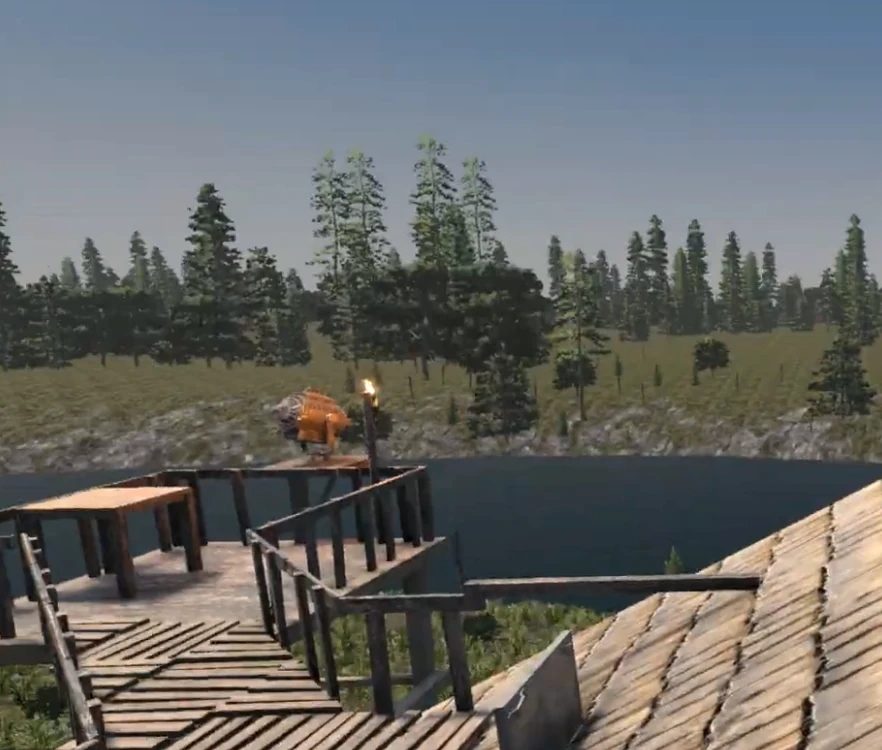
Why host Wasteland with us
Wasteland is not a “throw it on any box” overhaul. It rewards nodes with stronger CPU headroom, enough room for bigger worlds, and a control panel that lets you restart, snapshot, and inspect logs quickly. That is exactly where our L and XL plans fit.
- Dedicated-server sizing: L handles most private Wasteland wipes cleanly; XL is safer for larger groups and public communities.
- Version-pinned workflow: one-click deployment for the verified Wasteland build instead of piecing files together by hand.
- Fast recovery: backups and restore paths before experimental changes or wipe-day tweaks.
- Manual control when needed: FTP, file manager, scheduler, and console stay available for admins.
What Wasteland changes for server owners
The overhaul pushes the world harder than lighter modlets do. Expect more pressure from balance changes, custom items, progression twists, and a stronger need to keep every player on the exact same build. That makes reliable hosting and clean deployment more important than on a vanilla server.
- Heavier content than starter-tier worlds should carry.
- Client/server version sync matters for smooth joins.
- Restarts, backups, and world-size choices have more impact than on vanilla.
Ready to launch a dedicated Wasteland server?
Order L for a clean private start, or jump straight to XL if you know the world will grow fast.
Fast setup path
- Choose Plan L or Plan XL depending on your player count and world ambition.
- Enable Wasteland in the hosting flow once the verified Wasteland build is live for your account.
- Restart once, confirm the server boots cleanly, then invite players who installed the same Wasteland build locally.
Manual fallback stays available
If you want to inspect files or add your own adjustments, you still have FTP on port 2121, the browser file manager, and the usual admin tools. The one-click path removes the repetitive parts; it does not take control away from you.
Best fit
- Plan L: private groups, reset cycles, curated maps, and smaller public starts.
- Plan XL: bigger communities, heavier wipe progression, and worlds you expect to keep for a while.
Inside the Wasteland hosting workflow
The point of a dedicated Wasteland server is not just getting the mod onto disk. It is staying stable once players build up, loot scales up, and wipe-day pressure arrives. The stack here is built around that reality: panel-driven deploys, low-latency hardware, and fast recovery tools.
Looking for other overhauls too? Compare it against War3zuk, Darkness Falls, and Undead Legacy.
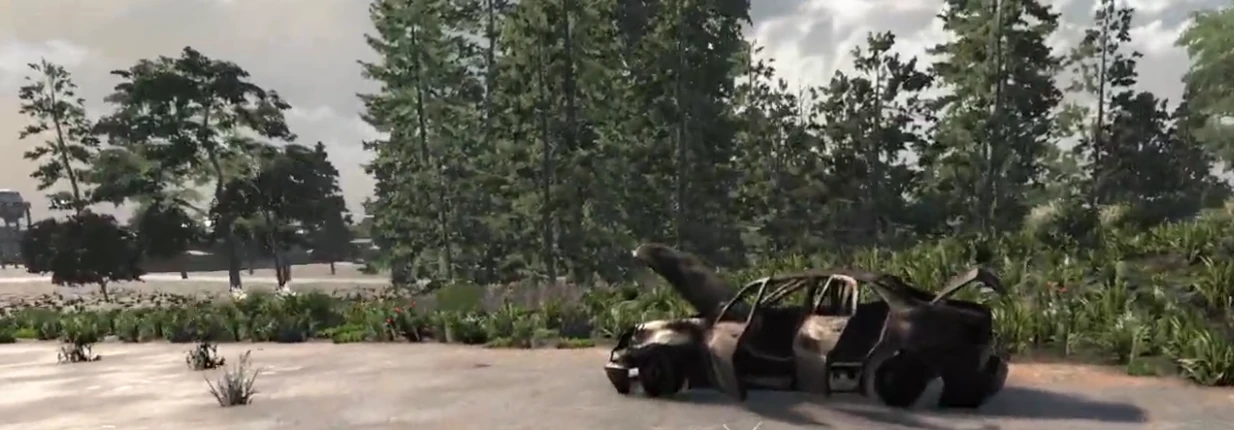
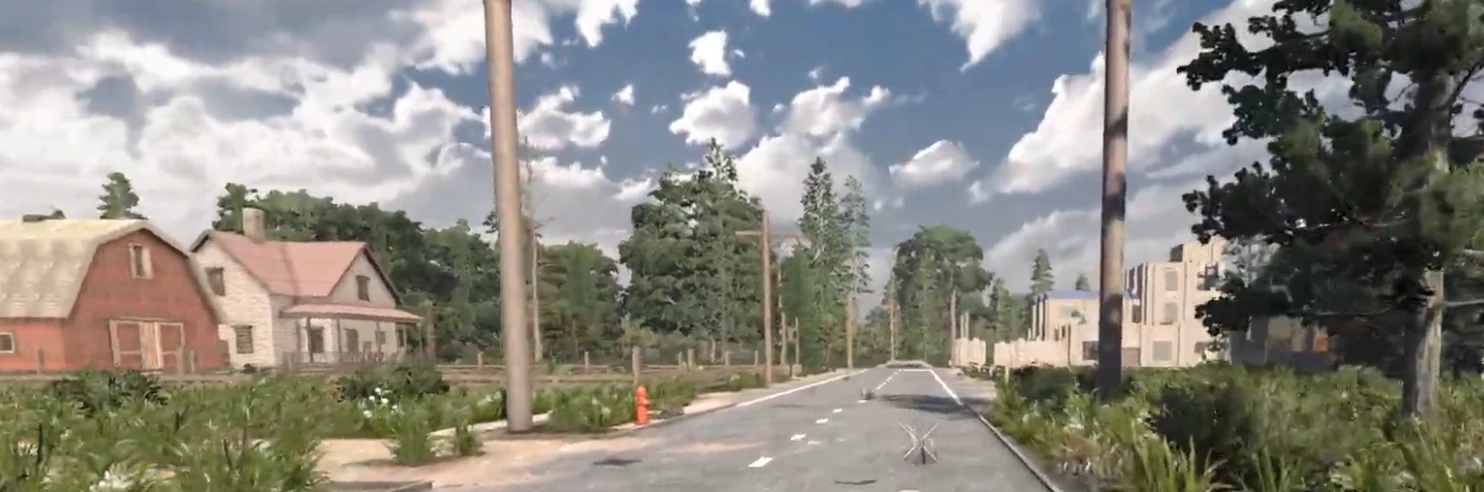
Wasteland hosting FAQ
Do players need the same Wasteland version locally?
Yes. Every player should install the exact same build as the server. Matching versions keeps joins clean and avoids bundle or mismatch errors.
Which plan should I start with for Wasteland?
Plan L is the practical starting point. Move to XL when you expect a larger community, more persistent worlds, or more aggressive content and admin tooling.
Can I still use FTP and manual changes?
Yes. One-click Wasteland hosting does not remove admin access. FTP, file manager, console, scheduler, and backups are still there when you need them.
Where should I go next?
Use Compare Plans if you are still choosing hardware, or go straight to Plan L if you already know you want a dedicated Wasteland server.
Launch now
Wasteland is aimed at players who already know they want a dedicated, heavier 7 Days To Die server. If that is you, go straight to the right tier.
Order Plan L Order Plan XL Read the FTP guide